
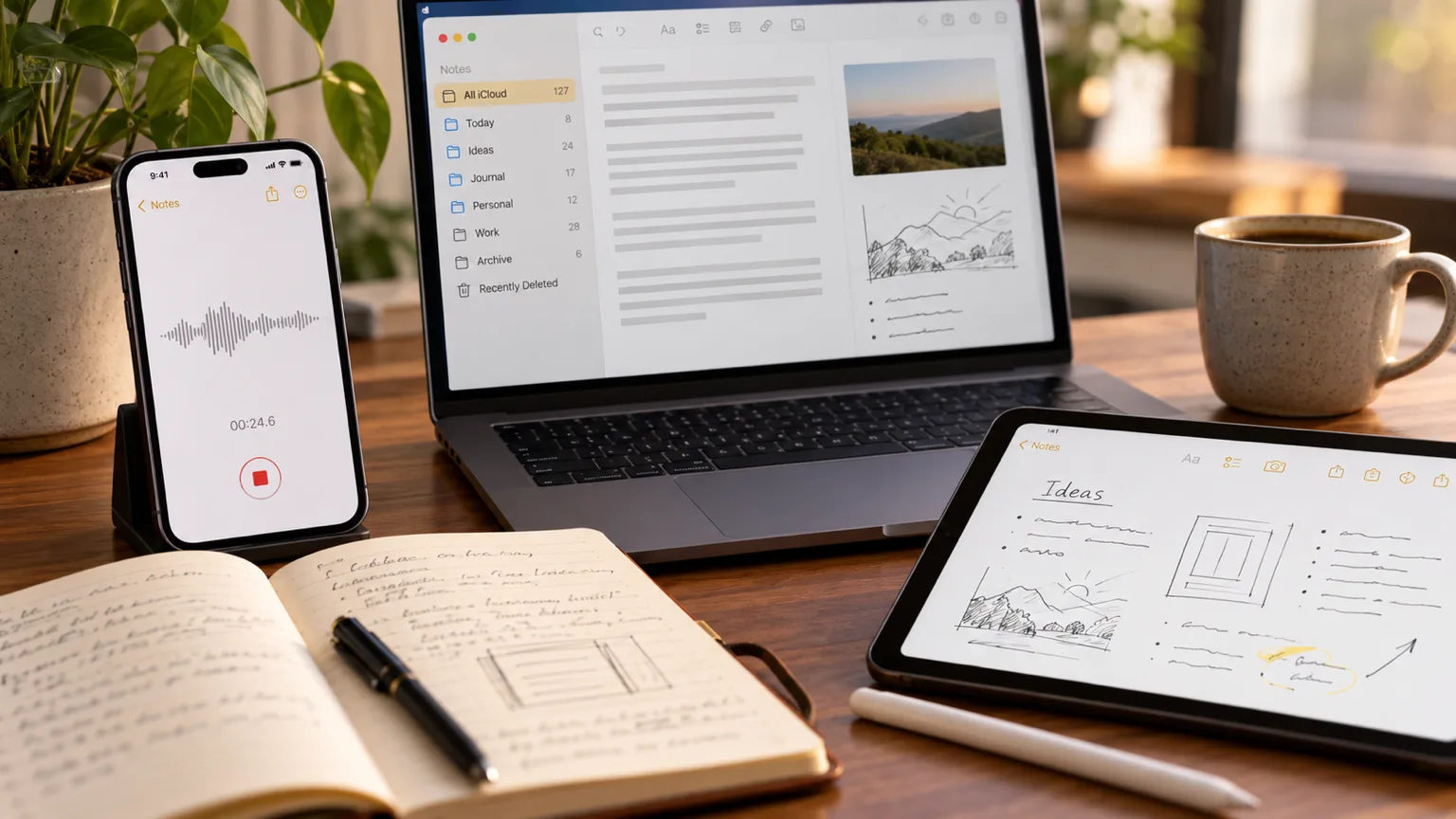
I like the idea of writing with pen and paper, but I’ve realized that is a lot easier to use Apple Notes to organize my thoughts instead.
There’s something nice about sitting down with a notebook and getting your thoughts out, but whenever I actually have a lot to say, I end up back at my keyboard.
It’s just so much easier for me to type or talk.
It also gives me everything I need:
- The speed of being able to talk.
- The agility of a keyboard when I want to edit
- The flexibility of being able to use a pen.
And I basically built my own digital journal around that using Apple Notes to bring everything together this is how I use it.
Sometimes Talking Is the Fastest Way to Get a Thought Out
When I have a thought I want to capture, sometimes writting it out actually will cause me to forget it because I’m not able to write fast enough and sometimes even type it all out is too slow.
So if I just want to get the thought out before I lose it, and talking is the fastest way for me to do that.
I can open Apple Notes on my phone and start talking my thought out loud with Wispr flow.
I don’t have to worry about making the sentence perfect or figuring out exactly where the thought is going.
Just talk through the entire thing and let it come out naturally.
The difference here is that I’m not trying to create a finished piece of writing when I dictate. I’m just trying to capture what’s in my head.
That makes it so much easier to get the full thought out before I start worrying about editing it.
But I Still Want a Keyboard
Getting the thought out is only the first part. Once it’s there, I usually want to go back and actually do something with it.
Maybe I said something twice, thought of a better way to explain something, or realized that one part of the thought belongs somewhere else. That’s where a keyboard becomes really useful because I can edit everything without having to rewrite the whole thing.
I’ll often dictate a note into my phone and come back to it later while I’m waiting in line for coffee. I can clean it up right there on my phone, or open it on my computer when I have more time.
That little bit of downtime is actually one of the reasons I’ve gotten so much use out of my phone as a productivity tool. Instead of needing to sit down at my computer just to work on an idea, I can make progress wherever I happen to be.
And Sometimes I Need a Pen
Even with all of that, there are still times when I want a pen.
Sometimes I need to draw something, sketch out an idea, make a diagram, circle something, or just think visually. Typing isn’t always the best way to work through an idea.
That’s where my iPad and Apple Pencil come in. I can add drawings, mark things up, or just scribble something down when that feels more natural than typing.
So I’ve basically ended up with three different ways of thinking: talking is for getting the thought out quickly, typing is for editing and shaping it, and a pen is for drawing and thinking visually.
I don’t really want to give up any of them.
Apple Notes
This is probably why I like Apple Notes so much. It gives me a place where I can use all of these different ways of getting a thought out without having to move everything between different apps.
I can dictate a thought into my iPhone, edit it later on my phone or laptop, and then add images or drawings if I need them. It doesn’t really matter which device I’m using because the note is still the same note.
I’ve already written about how I use Apple Notes to stay organized, but I think this is another part of why the app works so well for me. It isn’t just where I dump random notes anymore. It’s become a place where I can actually develop ideas.
And I use dictation a lot. If I have something I want to write about, I’d much rather talk through the entire idea first and clean it up later than try to formulate a perfect paragraph from the beginning.
That’s become a pretty natural part of how I write.
Paper Can Do All of This Too
To be fair, you can do a lot of this with pen and paper. You can write, draw, add things to the page, cross things out, and make notes in the margins.
But the moment you start wanting to make bigger changes, things get a little more complicated.
Want to change something you wrote three pages ago? You’re probably rewriting it. Want to add a photo you just took? Now you have to print it, cut it out, and tape it into the notebook.
You can do all of these things with paper. It just takes a lot more work.
That’s really what I like about having a digital journal. It isn’t necessarily that digital is better than paper; there’s just a lot less friction between having a thought and being able to work with it.


